STUDIO NOTES / PRODUCTION · LOGIC PRO
How to Mix Vocals in Logic Pro: A Starting Vocal Chain, Step by Step
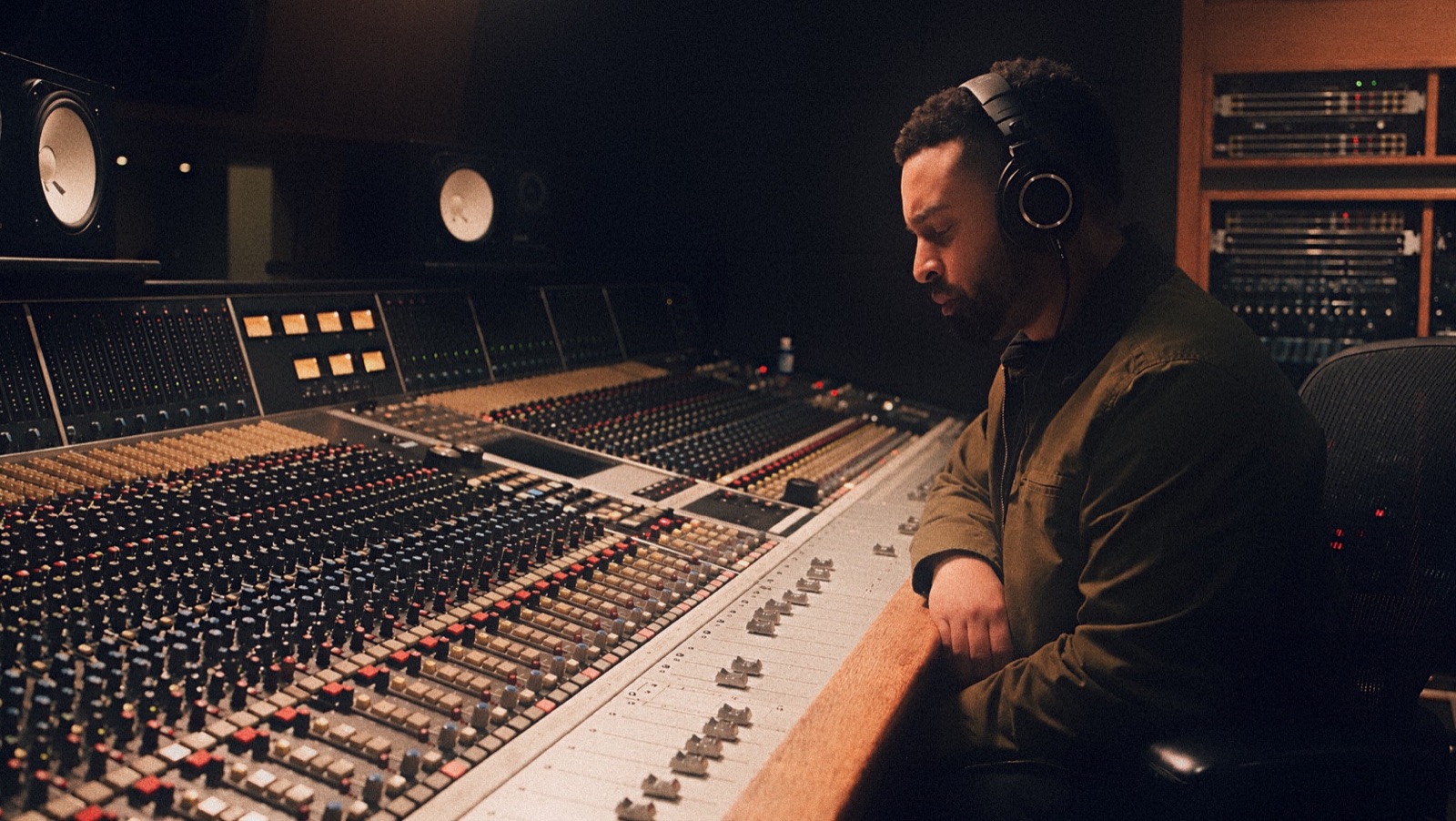
Mixing & mastering engineer · Producer
I'm Luis Canción, an award-winning mixing and mastering engineer and producer in Hialeah, FL. I co-produced "Is That Okay?" by Social Club Misfits & Lecrae, a 2021 GMA Dove Award nominee for Rap/Hip Hop Recorded Song of the Year, from Feared By Hell, a 2021 Dove nominee for Rap/Hip Hop Album of the Year. I produced and engineered ENISA's "Mockingbird." My work carries a record that crossed Gold-level sales, Dove Award–nominated records, and credits on records that charted on Billboard, with work for Universal Music Group, Warner Music Group, Capitol CMG and the UFC.
AS FEATURED INAudezeSoundBetterVoyage MIAShoutout Miami
To mix vocals in Logic Pro, work in this order: clean up the recording, shape it with Channel EQ, even it out with Compressor, tame harsh S's with DeEsser 2, then add reverb and delay on sends. Logic's stock plugins cover every step.
Here's what each step does and where people usually go wrong.
01 / THE ORDER
What order should vocal plugins go in?
Start with clean-up, then EQ, compression and de-essing. Add space with reverb and delay on sends.
| Step | Where | Logic stock tool | What it does | Watch out for |
|---|---|---|---|---|
| 1. Clean-up | the vocal track (editing) | comping, region edits, pitch tools | best take, noise and breaths handled, tuning set | over-tuning the life out of it |
| 2. EQ | insert | Channel EQ | clears rumble, cuts boxy or harsh spots | boosting before you've cut |
| 3. Compression | insert | Compressor | evens out quiet and loud words | judging it in solo |
| 4. De-essing | insert | DeEsser 2 | tames harsh S and T sounds | a lisp-y, dull vocal |
| 5. Space | send → aux | a reverb and a delay, 100% wet | depth and width shared across parts | washing out the words |
It's a starting order, not a law. Listen after every move.
Play the same phrase with each insert on and bypassed. If the change makes the words easier to follow in the track, keep it. If it only makes the vocal louder, match the level and listen again.
02 / CLEAN-UP
What should you fix before any plugin?
Comp the best take, remove noise and distracting breaths between phrases, and get the tuning where you want it. Fix timing and pitch before EQ and compression, because compression brings up whatever's left.
In my February 2024 Audeze interview, I put it this way. “The majority of the projects I take on involve vocals in any way, therefore some level of manual tuning is required.”
Start with the take that sells the lyric. A breath can belong to the performance, so keep it if it helps the next line land. When you cut a distraction, listen across the edit to make sure the phrase still feels connected.
03 / EQ
How should you EQ a vocal in Logic?
Use Channel EQ to clear rumble below the voice and cut anything boxy or harsh before you boost. The built-in analyzer can help you see where to listen, as Apple’s sibilance guide shows.
If the low cut starts thinning the body of the voice, back it off. When a vocal sounds dull, try taking out some of what crowds it before you add brightness. Then bring the rest of the mix back in and listen to the lyric.
04 / COMPRESSION
How much compression does a vocal need?
Use enough compression to keep quiet words from disappearing and loud ones from jumping out. Judge that in the full mix with Logic's stock Compressor.
Loop a line with a soft word and a louder peak. Listen for whether the soft word stays with you and the loud one still has some impact. If every line starts to feel equally pushed, ease off and save the stray words for automation.
05 / DE-ESSING
Where does the de-esser go?
Put it after EQ and compression as a starting point, since those moves can make S's harsher. Look for DeEsser 2 under Dynamics.
Apple’s May 27, 2026 guide places sibilance generally around 5–8 kHz in female voices and 3–6 kHz in male voices. Put Channel EQ before DeEsser 2 and use the analyzer to find the peaks on the actual vocal.
Set it so the S's stop jumping out, not so the singer sounds like they have a lisp.
06 / SPACE
Should reverb go on the vocal track or a send?
Put it on a send. Send the vocal to a bus, put the reverb or delay on its aux channel, and set the effect fully wet. Then use the send knob to control how much of the vocal reaches the effect.
For Space Designer on an effect return, Apple’s Space Designer output controls specify setting the Dry slider to 0. Several vocal parts can share the same return while each part keeps its own send level.
| Insert (on the vocal track) | Send (to an aux channel) | |
|---|---|---|
| Use it for | EQ, compression, de-essing | reverb, delay |
| Why | it changes the vocal itself | several parts can share one effect; one knob controls the amount |
| Effect mix | as needed | fully wet (Dry at 0 on the return) |
| Source | general guidance | Apple, Space Designer output controls (read Nov 2 2026) |
“Reverb and delay should support the phrasing.” I talk about that in R&B vocals: tone, space and ad-libs. Listen to where the tail lands. If it covers the next word, pull the send back until you can hear the line again.
07 / LEVEL
How do you make the vocal sit on top of the mix?
Ride the level with automation. Bring up the words that dip and pull back the phrases that jump out.
“A louder vocal isn't always a clearer vocal.”
R&B vocals: tone, space and ad-libs
Try the chorus into the next verse and listen for the first word that gets lost. Then check the same passage on two systems. I've written more about how to tell if a mix will translate.
08 / PRESETS
Are vocal presets worth it?
They're a fast starting point. Adjust for your voice, mic and room before you decide which settings to keep.
“If you're tracking vocals yourself first, my vocal presets give you a starting chain.” Before you buy, check the plugin requirements on the product page. Some presets need third-party plugins.
09 / SENDING IT OUT
What if someone else is mixing your song?
If I'm mixing your song, skip all of this. Send me the vocal dry, plus a labeled wet version if an effect is part of the sound, and I'll build the chain around your record.
See how to prepare tracks for mixing for the handoff. If you're doing the mix yourself and only need it finished, here's how to prepare your mix for mastering and what to expect from my mastering service.
10 / QUICK ANSWERS
What else should you know about mixing vocals in Logic Pro?
Start with the stock chain, share effects on sends, and ride the level in the mix.
What order should vocal plugins go in Logic Pro?
A simple starting order is clean-up, EQ, compression, de-essing, then reverb and delay on sends. Listen after each step and change the order if the song needs it.
Can I mix vocals with only Logic's stock plugins?
Yes. Channel EQ, Compressor, DeEsser 2 and a reverb and delay on aux channels cover every step.
Where does DeEsser 2 go?
After EQ and compression, which can make S's harsher. Apple's guide suggests putting Channel EQ before it and using the analyzer to find the harsh frequencies.
Should reverb go on the vocal track or a send?
On a send to an aux channel, set fully wet. You control how much with the send knob, and other parts can share it.
How do I make my vocal sit on top of the mix?
Ride the level with automation instead of adding more compression. A louder vocal isn't always a clearer vocal.
Are vocal presets worth it?
They're a quick starting point if you're tracking and mixing yourself. Check the plugin requirements before you buy, and adjust them to your voice.
Should I send my vocal with effects to a mix engineer?
Send it dry, plus a labeled wet version if an effect is part of the sound. The engineer builds the chain around the whole record.
Get your vocal finished
Tracking and mixing yourself? Start from my Logic Pro vocal presets and mix template in the Preset Vault.
Browse the Preset VaultHand it off
Rather hand it off? Count your tracks in the Builder and you'll see your price, mastering included, before you pay.
Open the Project Builder
See my mix & master packages.
Talk through your vocal
Want me to hear your vocal first? Book a 30-minute consult ($49.99), try a $100 test mix on a short clip, or send me a message.